All to let me finally ask the age old question. “So how long have you been driving for Waymo?”
Video
Introduction
Waymo is an autonomous driving company that has deployed fully autonomous, self-driving robotaxis in major U.S. cities. I’ve been a big fan of the service ever since my first ride, after moving to the San Francisco Bay Area for college in 2024.
At the end of last year, security researcher Jane Manchun Wong found in the Waymo app’s code that Waymo is working on an AI assistant that integrates Gemini Live. She discovered the full 1,200+ line system prompt that governs its behavior, including the tools it’s allowed to use.
Since some of these tools are settings in the Waymo app, this got me thinking: if there was some way to access the Waymo app’s API, could I reimplement these tools to let me have a Gemini-based assistant in my Waymo car, right now?
This journey boils down to these steps:
- Reimplement the Waymo API so I can use it
- Use Waymo’s system prompt as a guide to create a Gemini Live agent harness and tooling
- Hail a Waymo then interact with it using a Bluetooth speaker in-car
- Profit?
So today, on How It’s Made…
The API
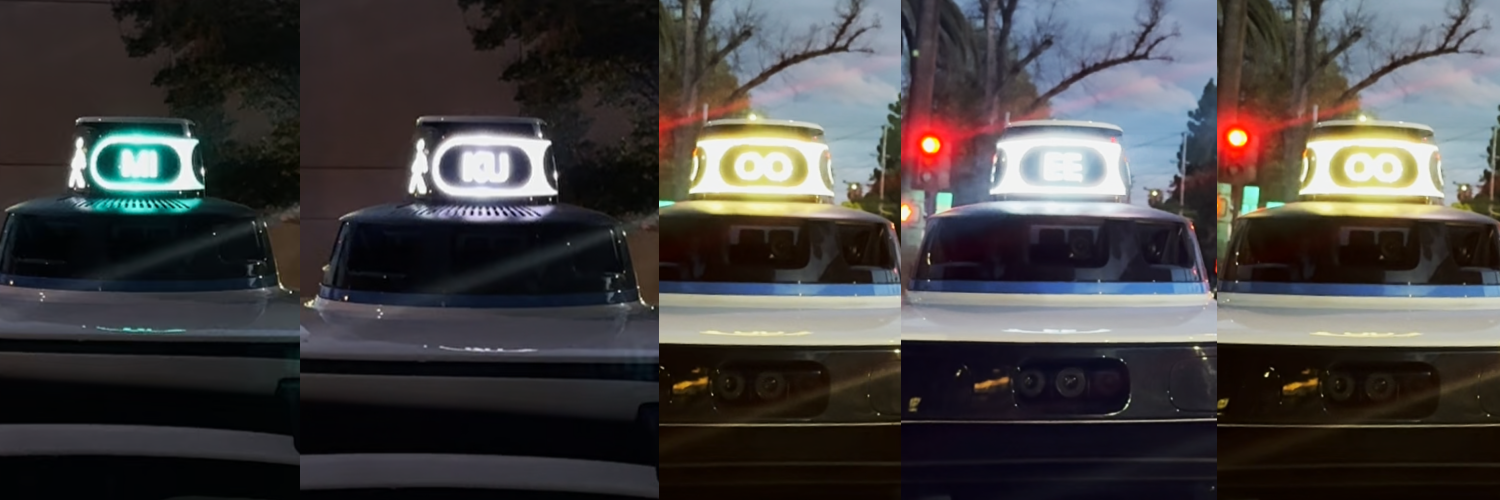
Last month, after a bunch of trial and error, I was able to figure out how to call the Waymo API with my own Python code. I disassembled the Waymo Android app, mapped Java function references, and utilized Cursor and ChatGPT to reimplement Waymo’s API from a low-level, protocol buffers-based gRPC interface, to a high-level Python library that makes it easy for me to program my Waymo to do whatever I want.
The agent
Now it’s time to create a Gemini agent that actually uses the Waymo API. I figured that I’ll just throw in the Waymo Python library in my workspace, give Cursor Google AI documentation, and just be like, “do it pls”. Surprisingly, it did pretty well on its first try, implementing a nice structure for setting up a two-pass Gemini agent (STT to TTS) using the google-genai SDK, but I had to coax it to ensure that tooling does a 1-1 recreation of the protobuf structures used by the Waymo app to avoid API errors due to invalid formatting.
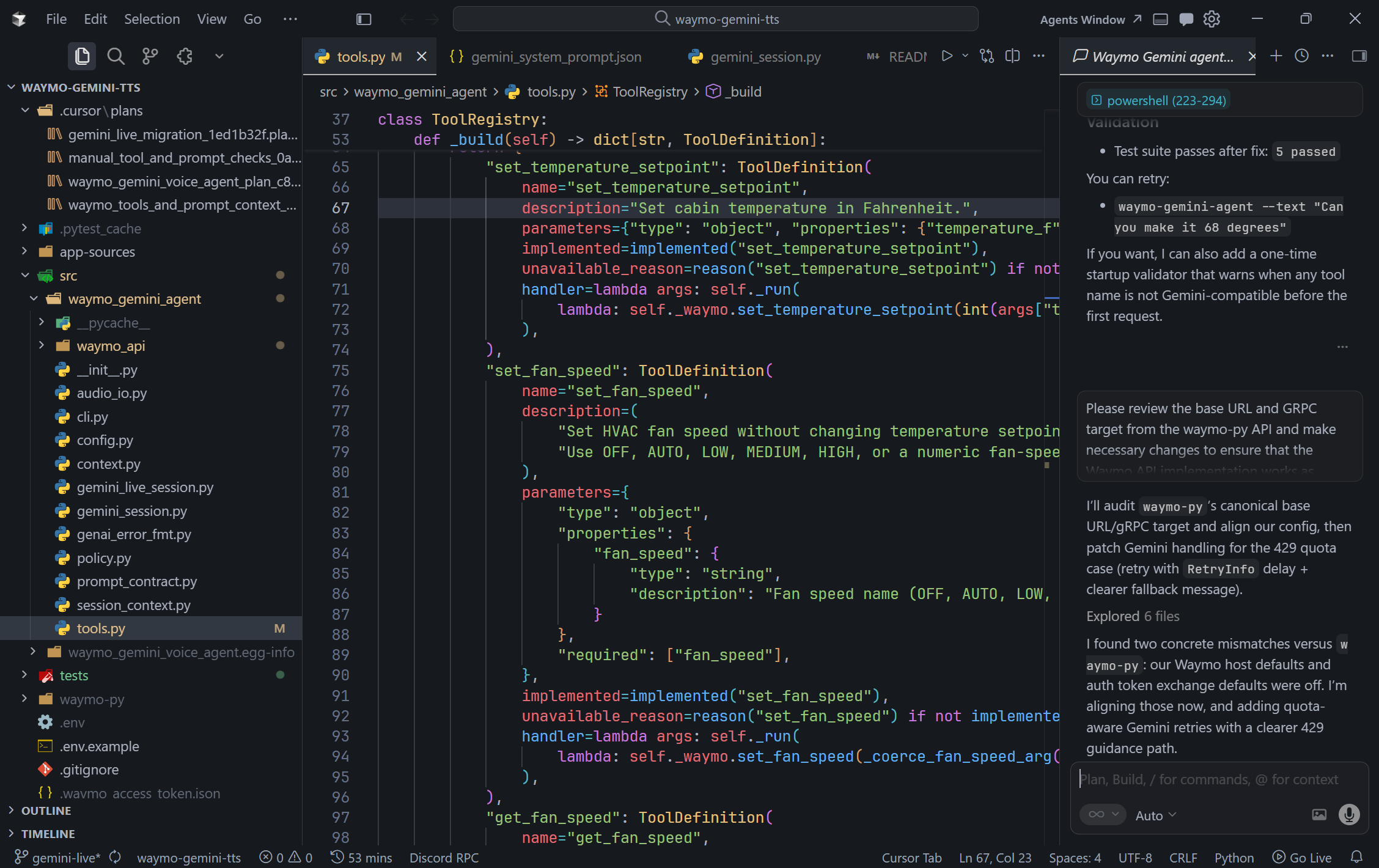
Even though it built something decent, I didn’t want a two-pass structure. I created a seperate branch to have Cursor perform a migration to utilize Gemini Live 2.5. If you’re wondering why 2.5, Gemini 3.1 Live released in March of this year. The model Waymo used,gemini-2.5-flash-native-audio-preview-12-2025, correlates to around the same time Jane posted her post in December 2025.
While I tried using the agent on 3.1, there was some noticeable behavior differences since prompting recommendations were updated between the versions. I wanted to preserve as close to the same behavior Waymo made, so I stuck with 2.5. (It also had way higher rate limits for the free tier.)
It finally works
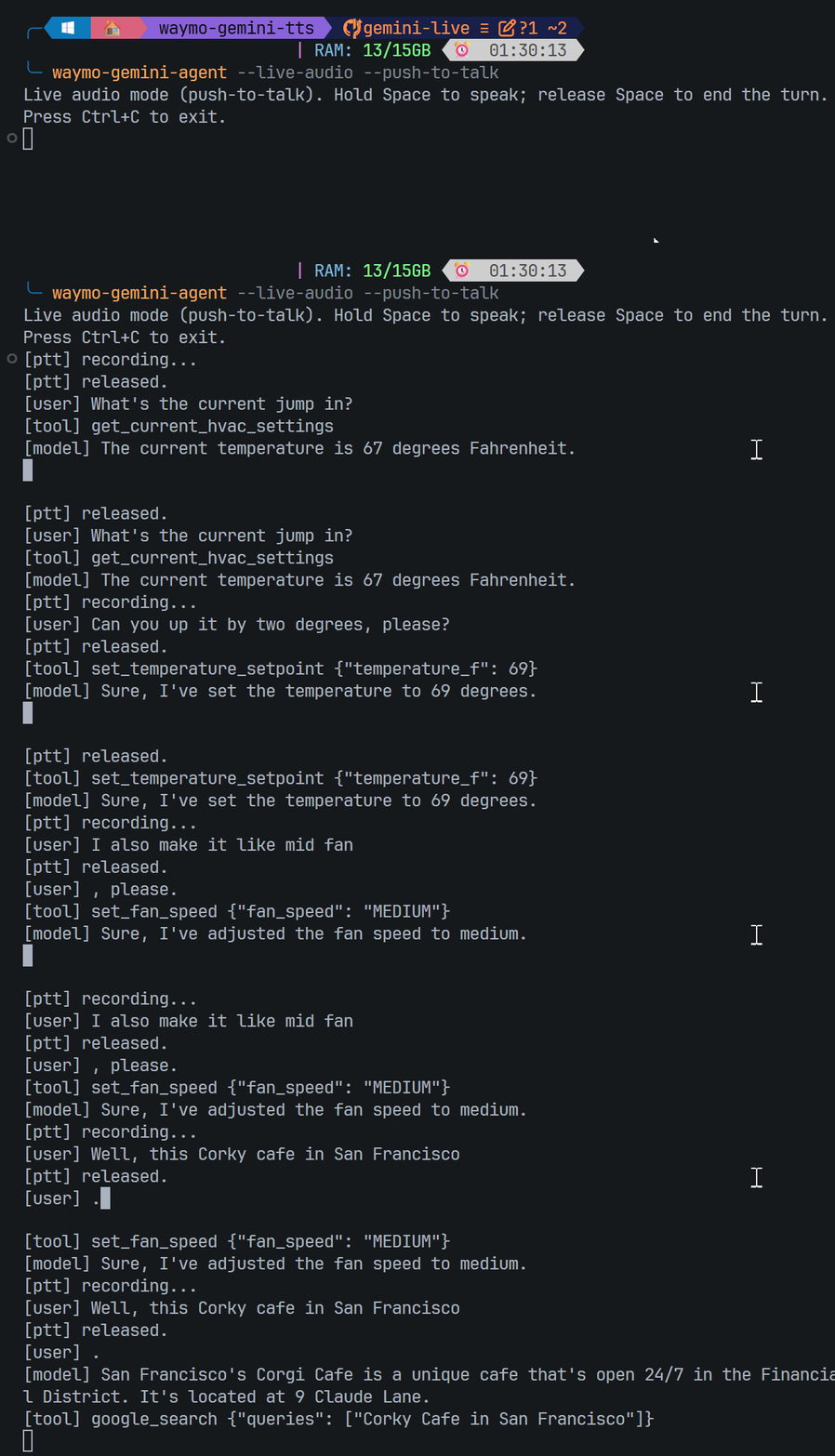
I requested a Waymo in the SJSU parking lot aware that I looked like a nerd with the laptop open and the self-driving car pulling in. Then, I connected my laptop to a Bluetooth speaker that I then placed in the seat pocket of the passenger seat. Finally, I just started having a conversation. It was honestly very natural, aside from having to use push-to-talk since I didn’t have a way to cancel out the agent’s voice: I’m sure in a real implementation, turn handling and cancellation would be much smoother to not require this.
Conclusion time
Having Gemini Live in the car will definitely make the user experience of Waymos so much better with a consistent and friendly assistant. But from this preview, there is definitely much more to offer that could make the AI experience that extra bit more magical. I would love to see the ability to add stops or reroute from Gemini, something that Teslas with Grok are able to do, so after you ask for good coffee recommendations, you could also ask to make a stop along the way to pick up some, rather than manually typing suggestions back into the Waymo app. I would’ve built it into my implementation, but I don’t have the budget as a college student to keep routing around to different places 🫠 Nevertheless, it is super cool to have Gemini to talk to if you’re the only one in the car, haha.
If you are reading this and happen to work at Waymo or in the autonomous vehicle industry, I’d love to intern for your company. What I’ve taken away from this project is that crafting the perfect AV experience is a delicate balance of friendliness and function: something that I can speak to from both sides of the glass. I’ve ridden Waymo and Zoox regularly since moving to the Bay Area, and I’ve also spent time in the internals of the Waymo app: building integrations like a Home Assistant dashboard for live wait times in my dorm with careful attention to usability and detail. If that sounds like someone you’d want on your team, I’d love to chat. Send me an email or a message on LinkedIn below, let’s talk!